
1、How to track my items?
You can log in to your account on our e-commerce platform to make relevant inquiries. The step-by-step instructions are as follows:
1、Log in to your GloChn Online Store account.
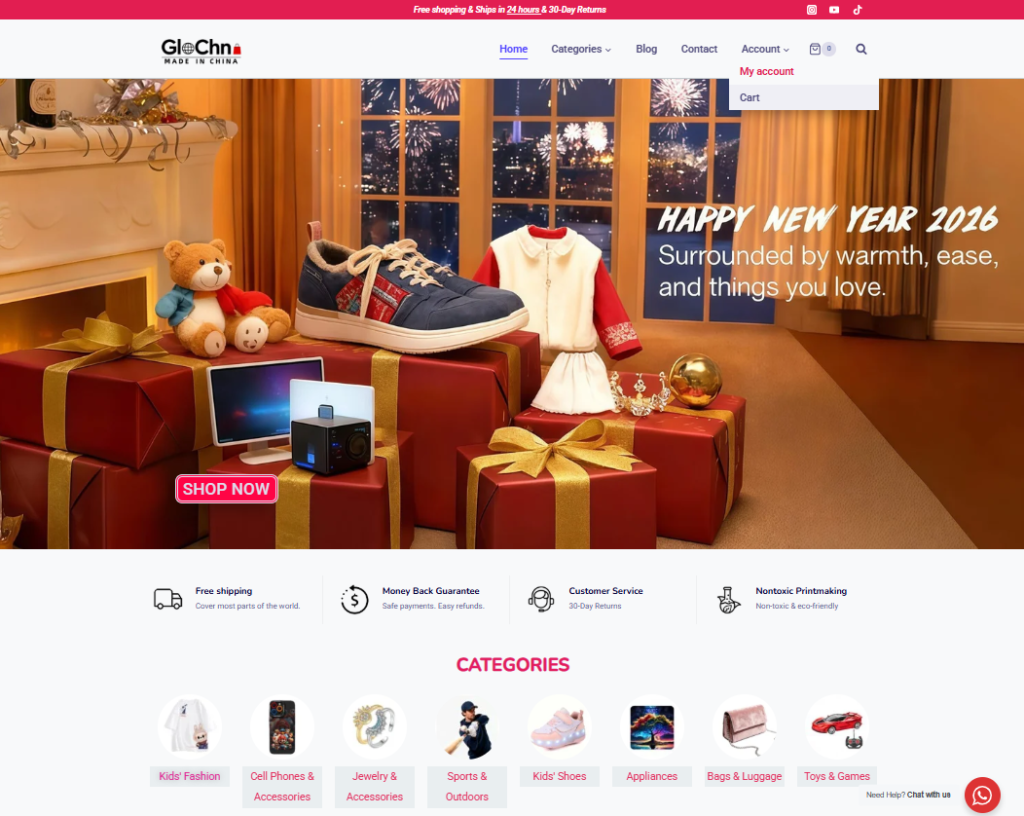
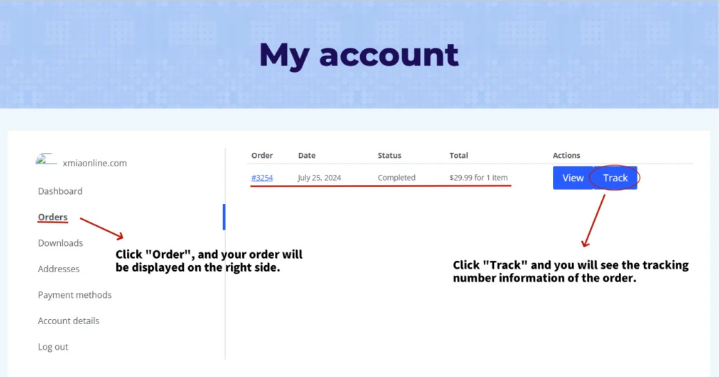
2、Click to enter “My account”.
3、On the left side of the “My account” page, click “Orders”.
4、Click “Track” to check your order status.
You can also log in to “https://www.17track.net/en/” to check the logistics information of the tracking number.
2、Why I didn’t get a shipping notification?
We will send an email to your registered address to notify you of each of our orders. Please make sure the email address is correct before making a purchase.
If you don’t receive the email after registration, please check the spam folder.
You can also add these email addresses to your contacts so that all emails from us do not go to the spam folder:
service@glochnshop.com General Customer Service
3、Will you ship all my items together or would be multiply packages?
If you bought some items in one order, we won’t ship them together normally. We ship them separately to reduce the customs tax and the risk of breakage during the shipping.
4、Why are there several tracking numbers in the order detail?
In most cases, it means the tracking # We uploaded previously and has been updated into a different one.
In other cases, there might be multiple items in the same order, and we have multiple tracking #s for each item. However, due to technical limitations, we can not specifically mark each item with the correct tracking#. If you have problems with the tracking please contact us
5、What should I do if the tracking shows the package has been returned or something weird.
Contact us if you find your package has been returned or any weird thing happens. We will deal with it soon.
You can also contact your local post office once it’s in your country for more info.